- Ana sayfa
- Tasks and projects
-
Jira Integration
Jira Integration
Solution for monitoring Jira issues in Bitrix24
Kurun
Ücretsiz
Uygulama içi satın alımlar
-
DeğerlendirmeDeğerlendirme yok
-
Kurulum sayısı3587
-
GeliştiriciBitrix24 Integrations
Açıklama
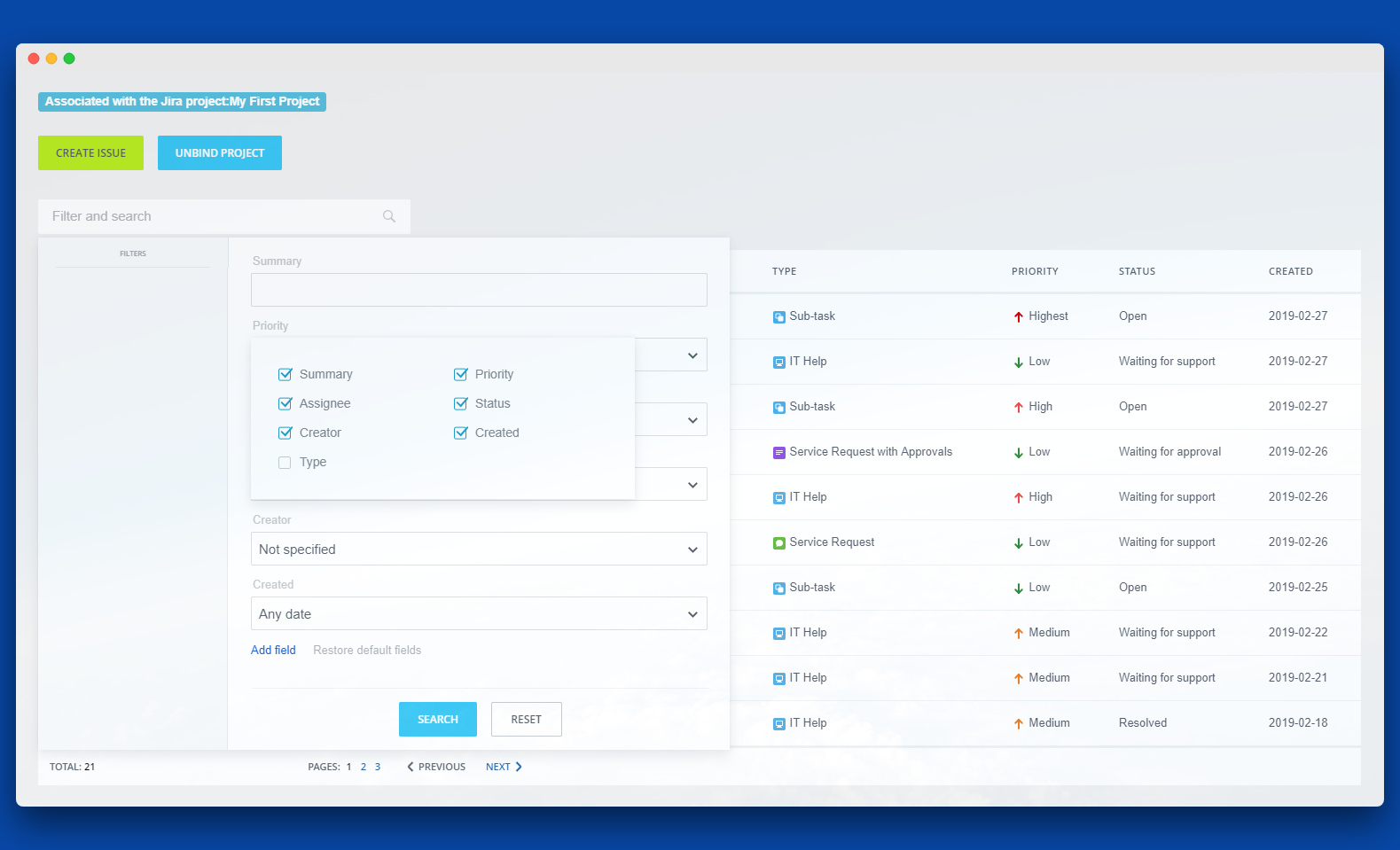
The integration app lets you create, view and edit Jira issues directly from Bitrix24.
Functionalities of the app include:
The app works with Bitrix24 commercial plans only.
Free plan users can test it during the trial period and then upgrade to a commercial subscription.
Functionalities of the app include:
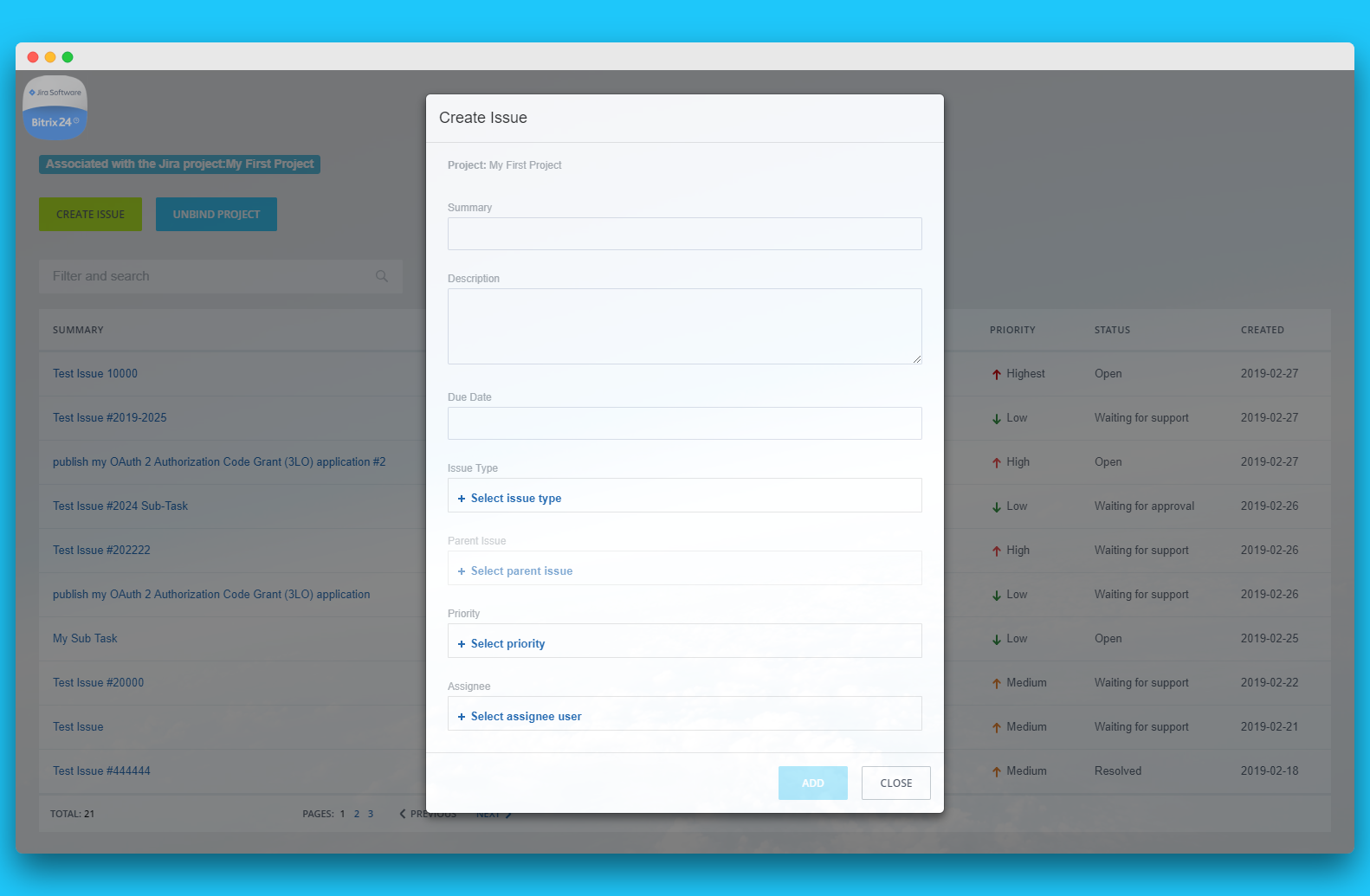
- Creating a Jira issue. Create an issue directly from a Bitrix workgroup.
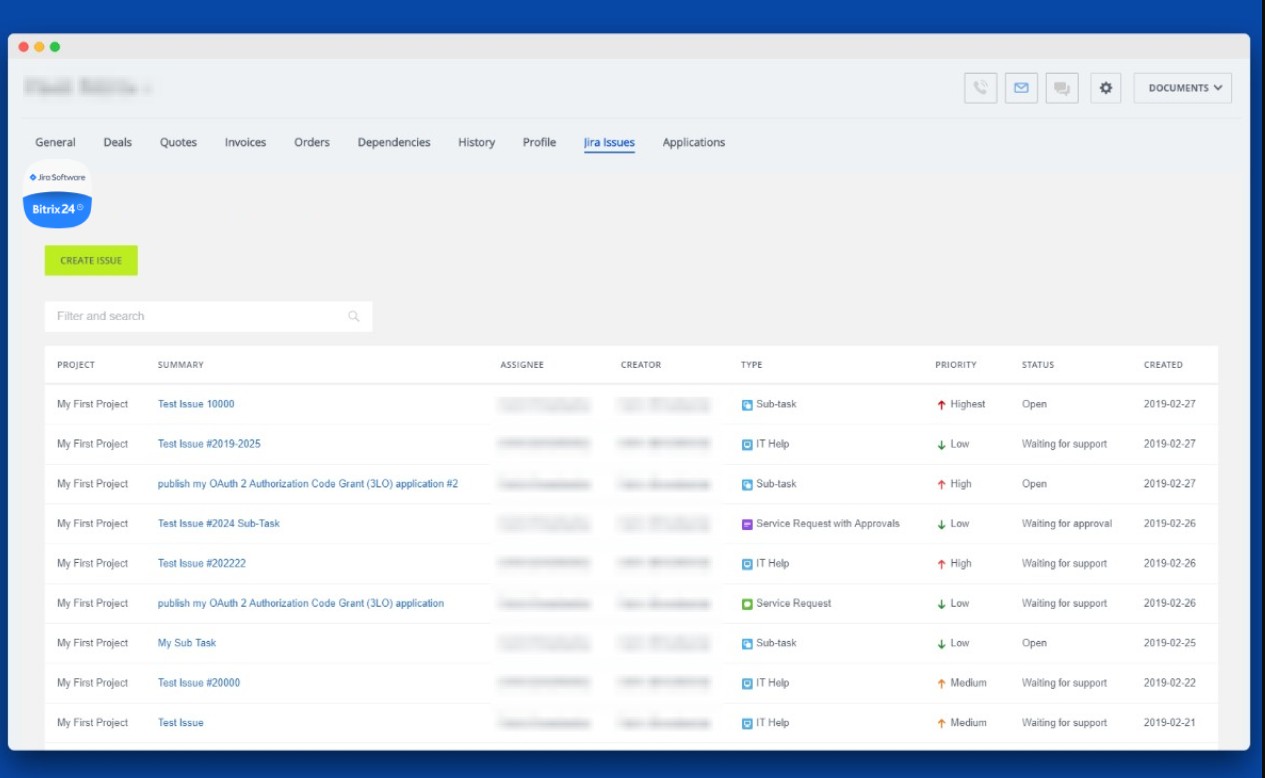
- List of Issues. View the list and status of all issues.
- Issue details. Manage how an issue works, by going to a Jira issue via link.
The app works with Bitrix24 commercial plans only.
Free plan users can test it during the trial period and then upgrade to a commercial subscription.
Teknik destek
If you are facing an issue or would like to receive some more information about the app, kindly contact Bitrix24 support. Our dedicated Integrations support team will be delighted to assist you and provide guidance on any inquiries you may have regarding the app.
Additionally, we highly recommend following the steps outlined in this article to troubleshoot common issues in the event that the app is not functioning or connecting as expected.
Kurulum talimatları
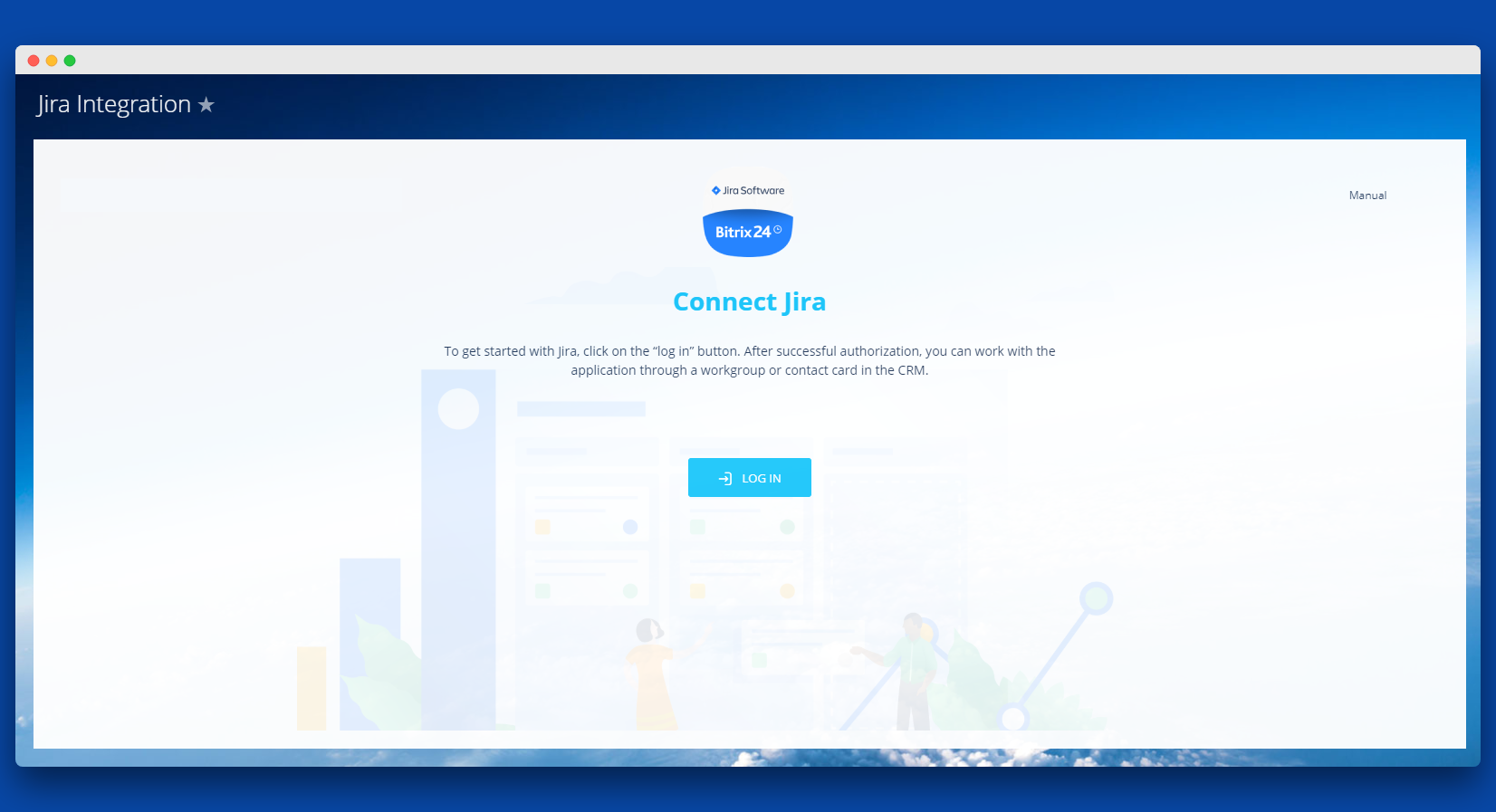
To get started with Jira, click on the “Log in” button to authorize in the application. If the user is not authorized in Jira, a window with authorization will appear after clicking on the “Log in” button.
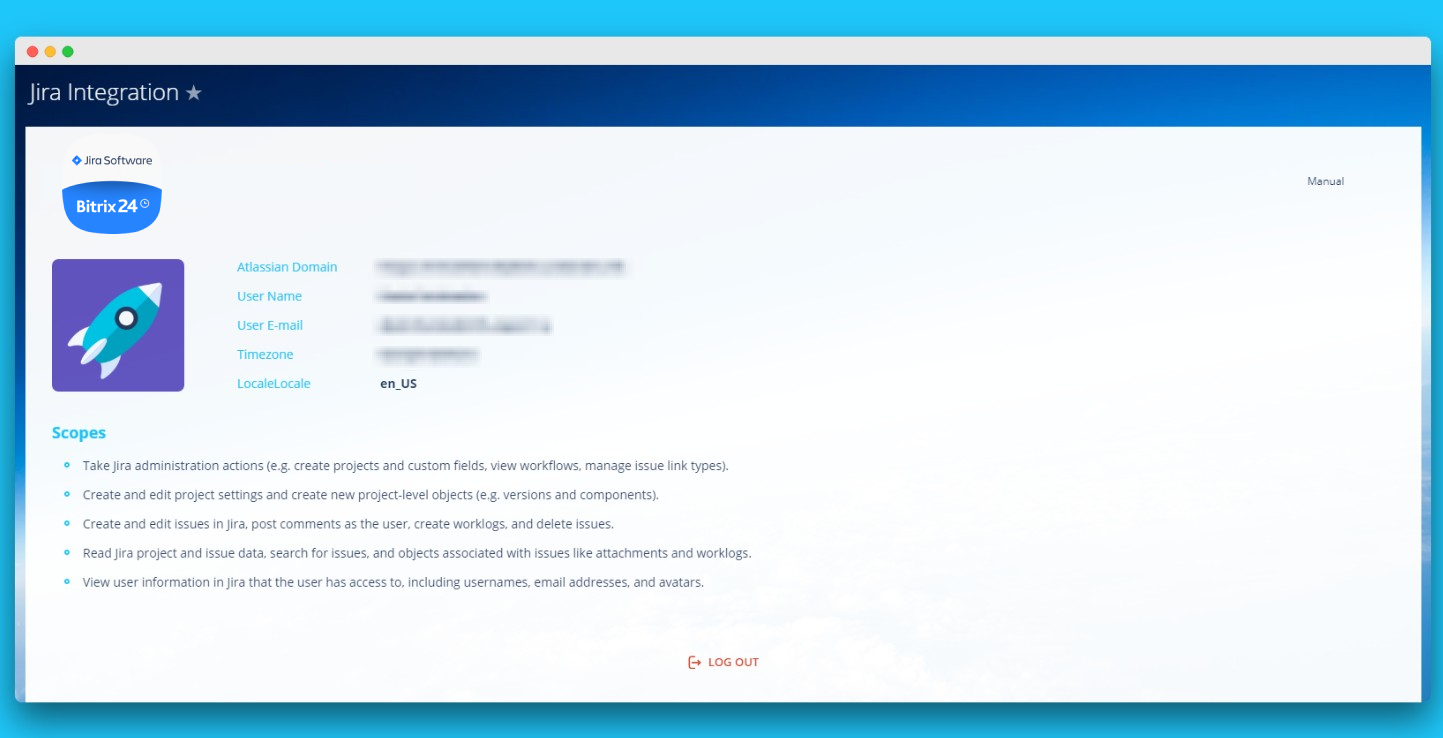
After successful authorization, a screen with a list of access rights (scopes) will be displayed as well as a list of accounts that can be connected with Bitrix24. After selecting the account, the user needs to click on the “Accept” button.
After clicking on the “Accept” button, the user will return to the application page with the data from Jira.
After successful authorization, a screen with a list of access rights (scopes) will be displayed as well as a list of accounts that can be connected with Bitrix24. After selecting the account, the user needs to click on the “Accept” button.
After clicking on the “Accept” button, the user will return to the application page with the data from Jira.
Veri güvenliği
Jira Integration
Uygulama, verilere erişmek için izin istiyor:
CRM
full access: view, create, edit and delete leads, contacts, companies, deals, invoices, quotes, activities, user fields etc.
Sürücü
full access: view, create, edit and delete storages, folders and files
Görevler
full access: view, create, edit and delete tasks, check lists, comments, files, dependencies, costs; view, create, edit and delete stages
Kullanıcılar
full access: view, create, edit and delete users
Uygulama gömme
full access: view, create, edit and delete widgets
ÇALIŞMA GRUPLARI
full access: view, create, edit and delete workgroups; manage users
Sohbet ve Bildirimler
full access: view, create, edit and delete chats and messages; connect users to chats; edit chats; read all chat messages
Değerlendirme
0 /5
5 yıldız
0
4 yıldız
0
3 yıldız
0
2 yıldız
0
1 yıldız
0
İncelemeler
İnceleme yok!